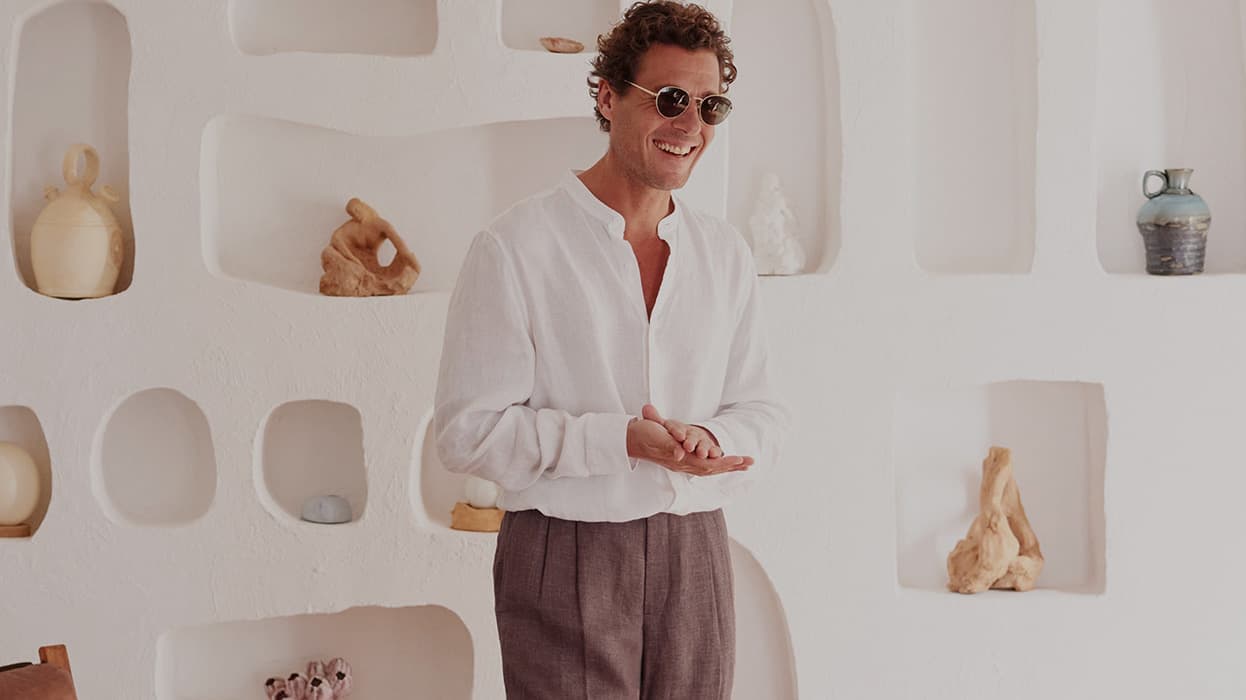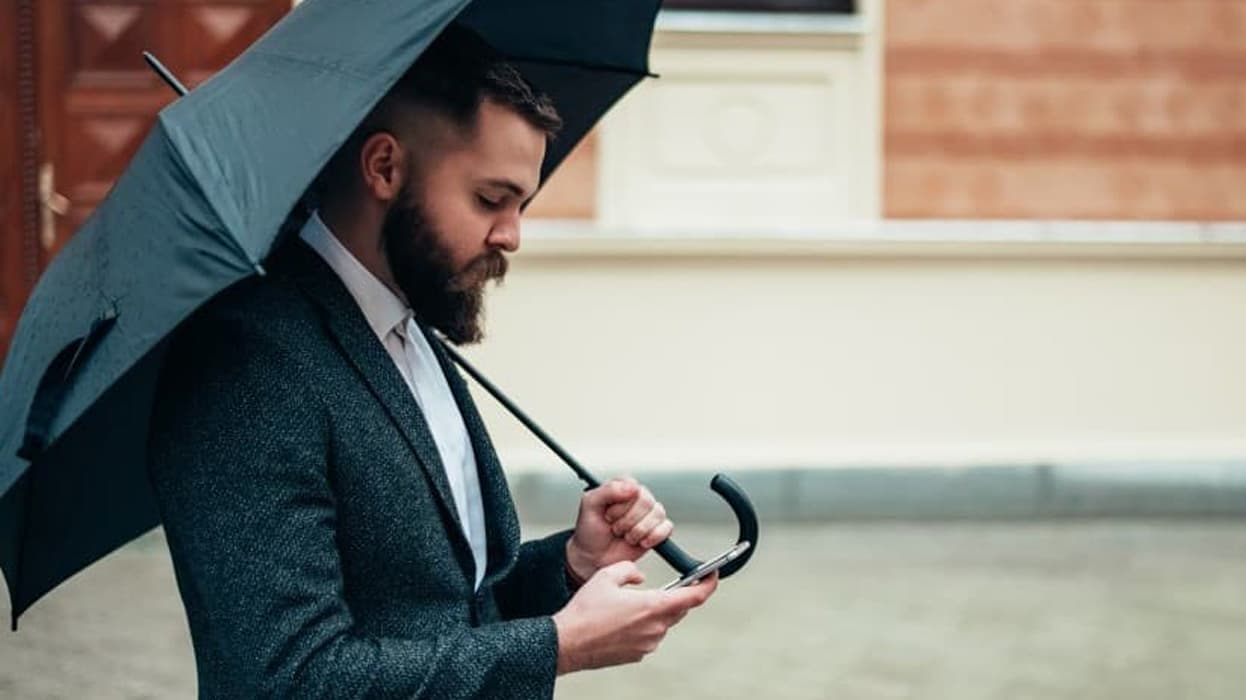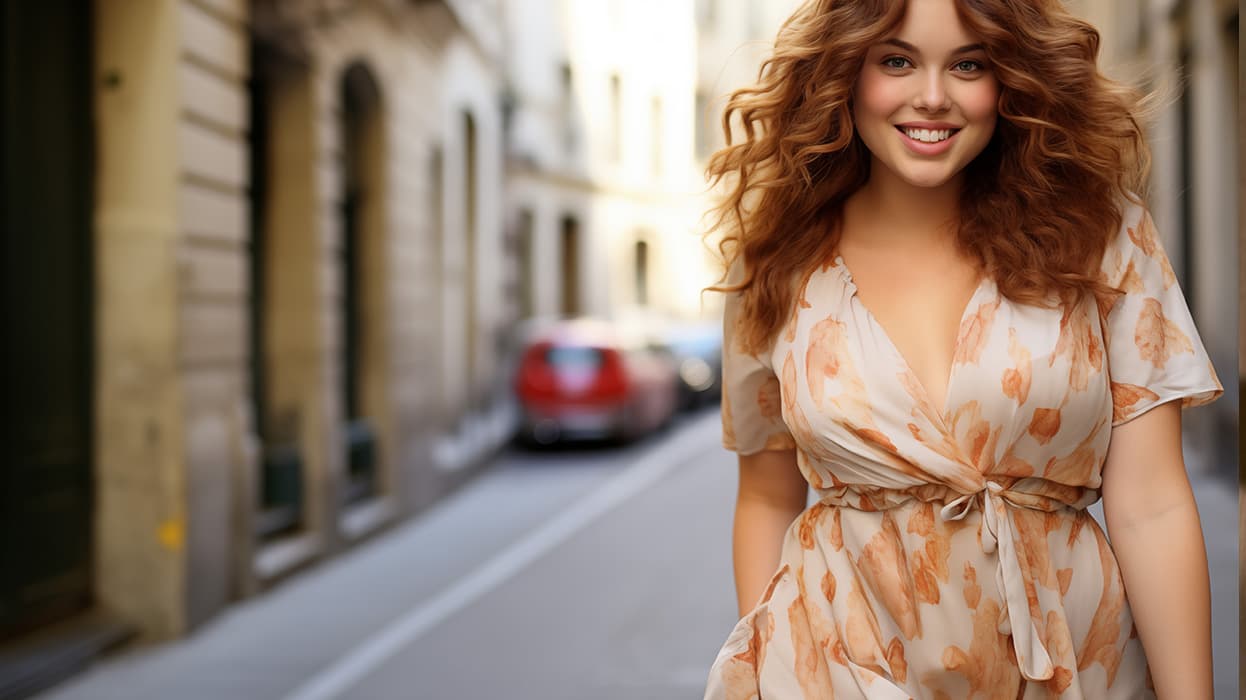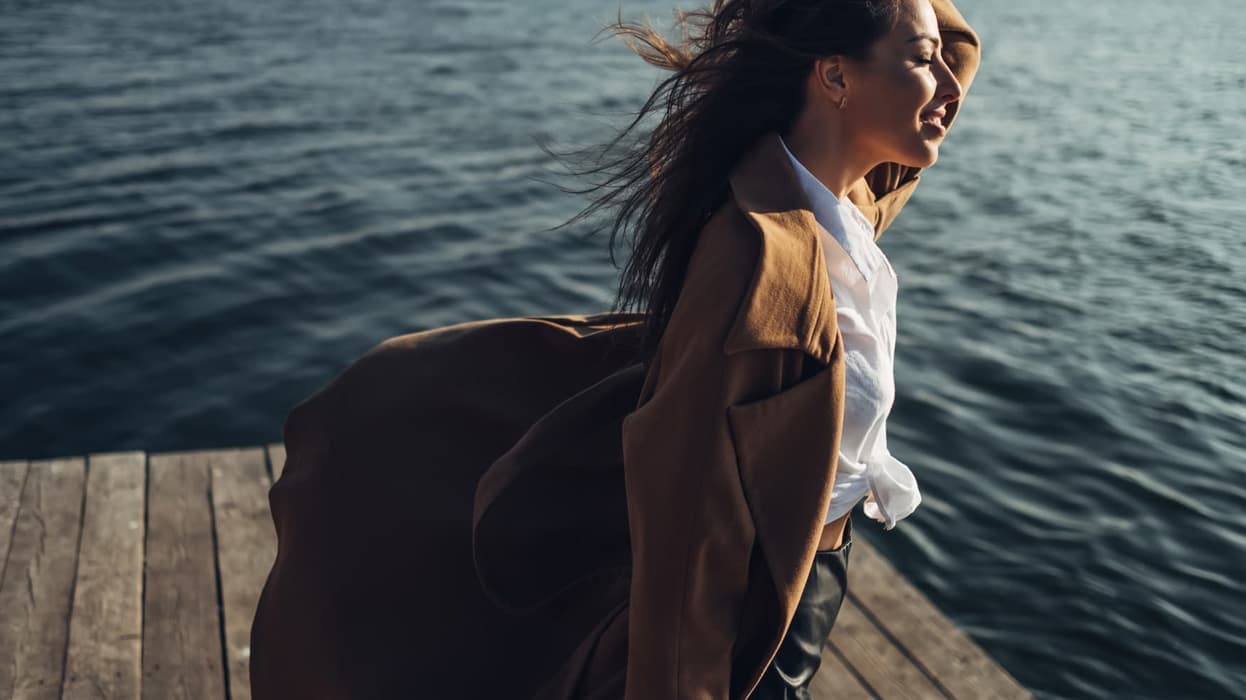
Introducing Studio: turn a flat shot into a full photoshoot, without booking a photoshoot
Product photography has always been the bottleneck of eCommerce product management and merchandising. You can build the perfect PDP, write the perfect copy, and merchandise the perfect collection, but none of it matters if you're still waiting three weeks for a studio slot, a model, and a photographer just to show a shirt on a person instead of on a hanger.
Studio, our new AI Image Studio, removes that bottleneck. It lives directly inside the Media tab of the Products module, so there's no separate tool to log into and no exporting product data anywhere else. Upload a flat shot, generate a model wearing it, choose a backdrop, and save the result straight back to the product, all in the same screen you already use to manage every other piece of product content.
How Studio works
1. Start from the a flat shot
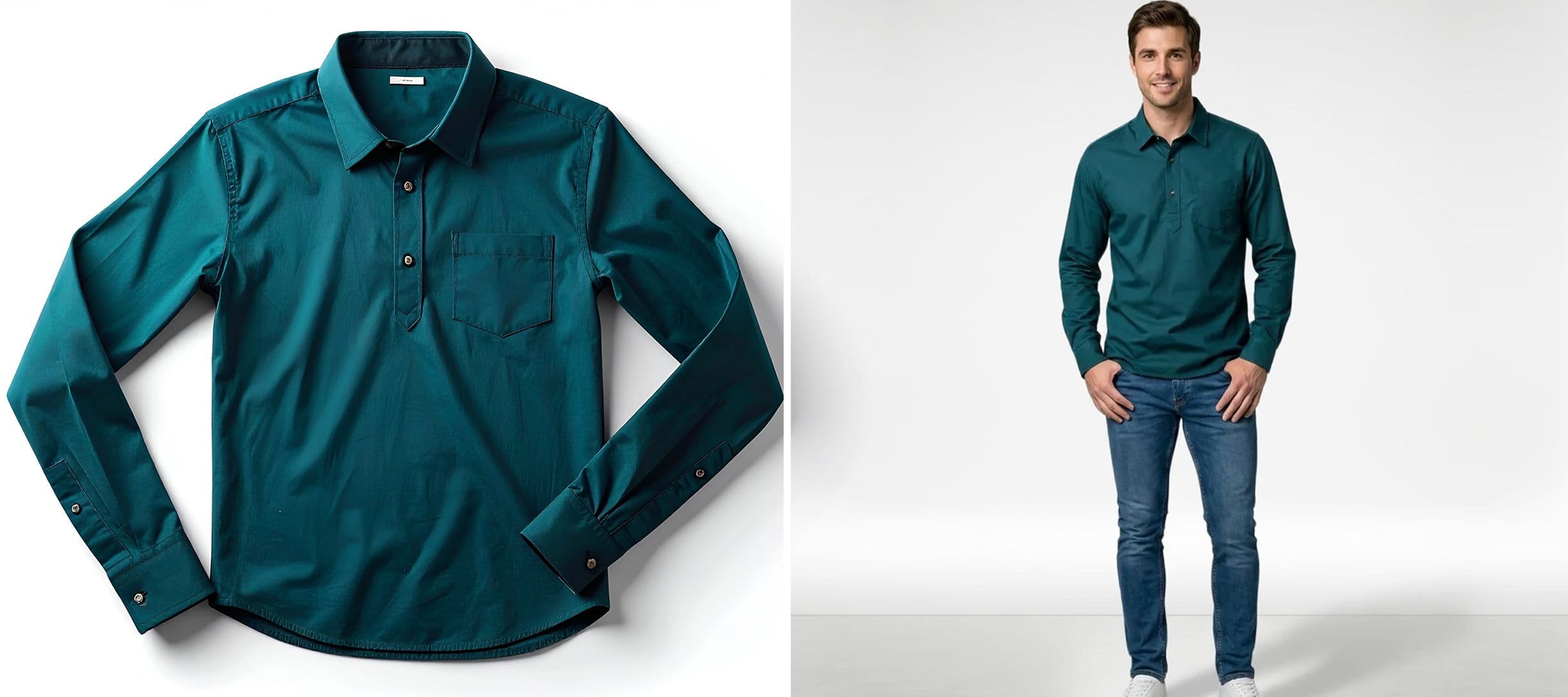
Every product's Media tab now has a "Generate with RETA" (Remarkable Ecommerce Technical Assistant). If you've already got a flat lay or ghost shot of the garment uploaded (the kind most merchandising teams already have in bulk), that's all Studio needs to get started. No new photography, no new uploads, just the assets sitting in your PIM today.
2. Choose or build a model
Click through to "Generate New Model" and you get a full set of controls: gender, age range, ethnicity, body type, and skin tone, plus a free-text field for anything else you want to specify. Studio also keeps a running library of models you've generated previously, each with a name, so a team can build up a consistent cast of "house models" and reuse them across an entire catalogue rather than generating a stranger for every single SKU.
3. Pick the studio setting
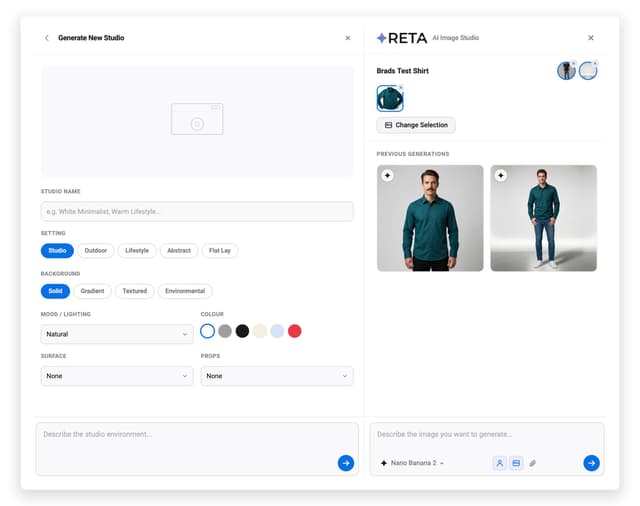
The same panel lets you define the environment: studio, outdoor, lifestyle, abstract, or flat lay, with further options for background style, mood and lighting, colour, surface, and props. It's effectively art-directing a photoshoot through a form, rather than briefing a photographer and waiting for the contact sheet.
4. Generate, compare, and save
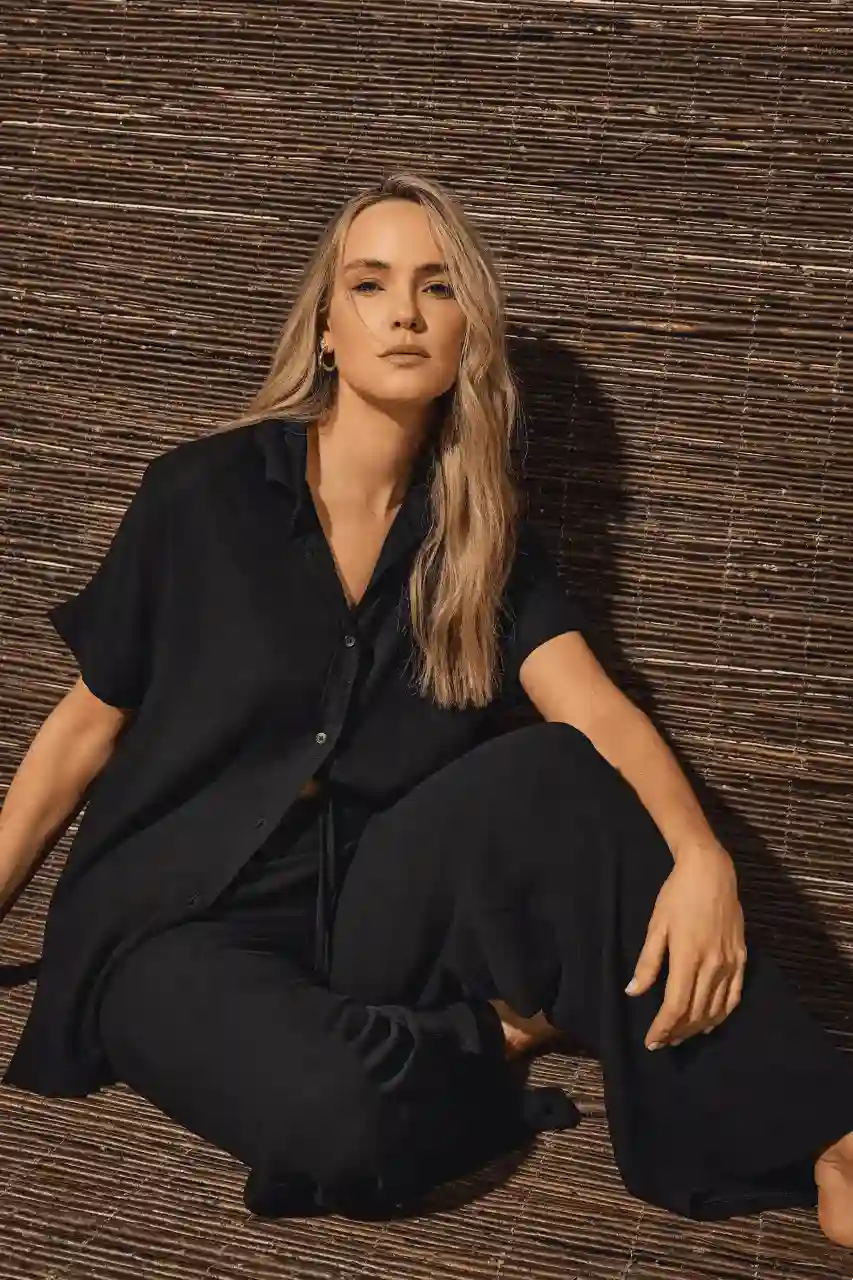
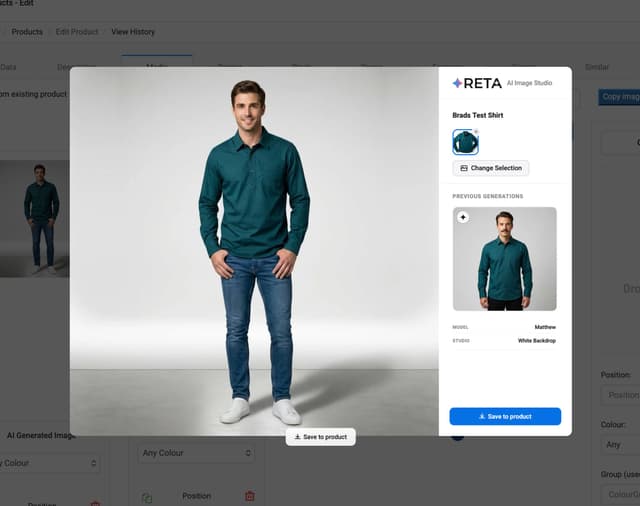
Hit generate and Studio produces the shot, holding the garment exactly as it was captured in the original product photo while building a realistic model and setting around it. Previous generations stack up in a gallery on the right-hand side, so you can compare options side by side before committing. When you've got the shot you want, "Save to product" pushes it straight into that product's media library, ready to appear on the live site.
Why use Studio
The obvious win is speed. What used to require a studio booking, a model, a photographer, and a retouching pass now happens in minutes, from inside the same screen a merchandiser already lives in day to day. For a catalogue with hundreds or thousands of SKUs, especially ones being onboarded from a legacy platform with patchy imagery, that's the difference between a six-month content backlog and a same-week launch.
The less obvious win is control. Generic AI image tools tend to reinterpret the product along with everything else, which is a problem the moment brand fidelity matters: a buyer needs to see the actual colour, the actual cut, the actual stitching they're going to receive. Studio is built to hold the product fixed and only generate the parts around it, the model, the lighting, the backdrop, so what a shopper sees in the lifestyle shot is exactly what arrives in the parcel.
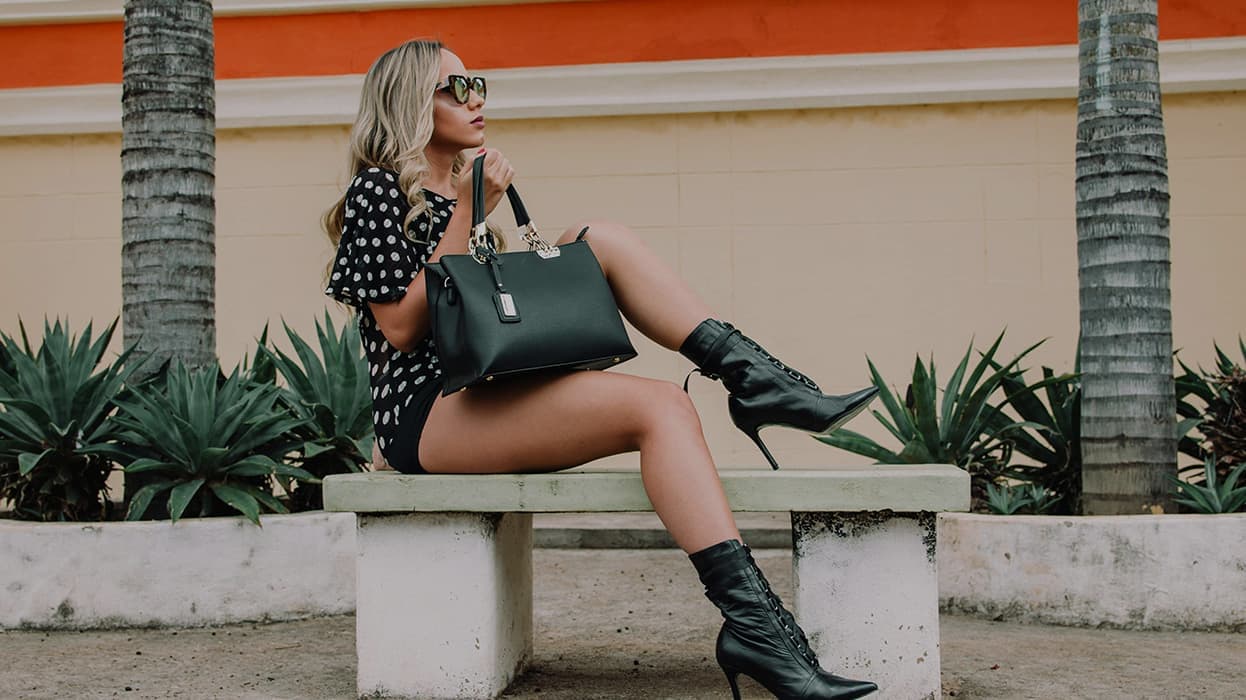
It also opens up creative range that most teams simply can't afford with traditional photography. Want to see how a shirt looks on five different body types before deciding which to feature? Want a lifestyle shot for a summer campaign and a clean studio shot for the PLP, from the same flat lay, without rebooking anything? That's a few clicks, not a few weeks.
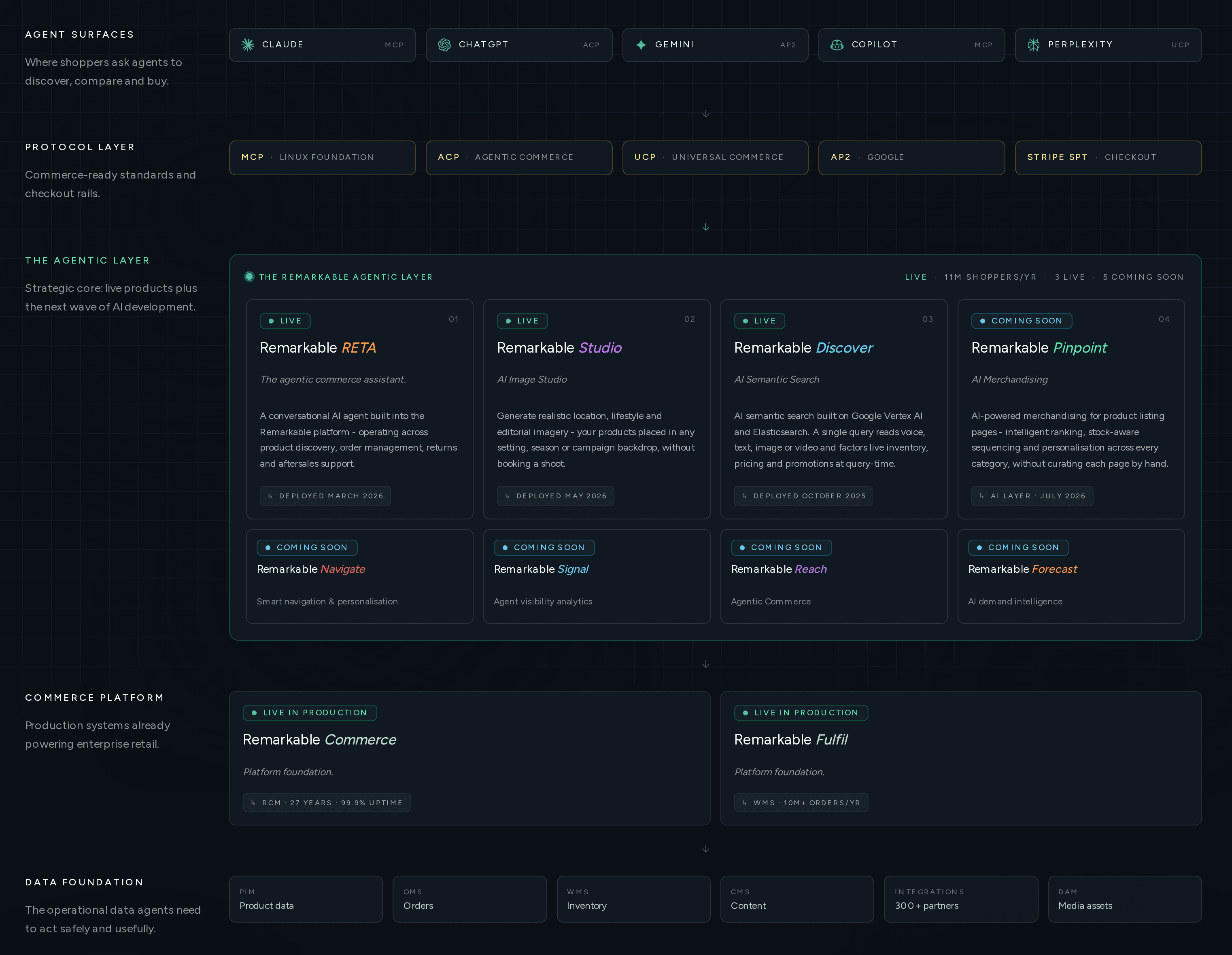
Agentic commerce, shipping now.
AI products now running inside the proprietary platform that already powers £4bn+ GMV and counting....
Where we're going next
Studio is part of a wider AI suite we've been building into our platform, and it's designed to fit the way merchandising teams already work rather than asking them to learn a new system alongside their existing one. If you're managing a catalogue that's still leaning on flat shots, sparse imagery, or an expensive backlog of photography requests, this is built to close that gap fast.
Request more information
Get in touch to see Studio running on your own products, or speak to us about what it could do for your next catalogue/season launch.